
How do I change my Luna theme?
Luna lets you choose how the app looks. You can switch between Light, Dark, or Auto mode at any time.
To change your theme:
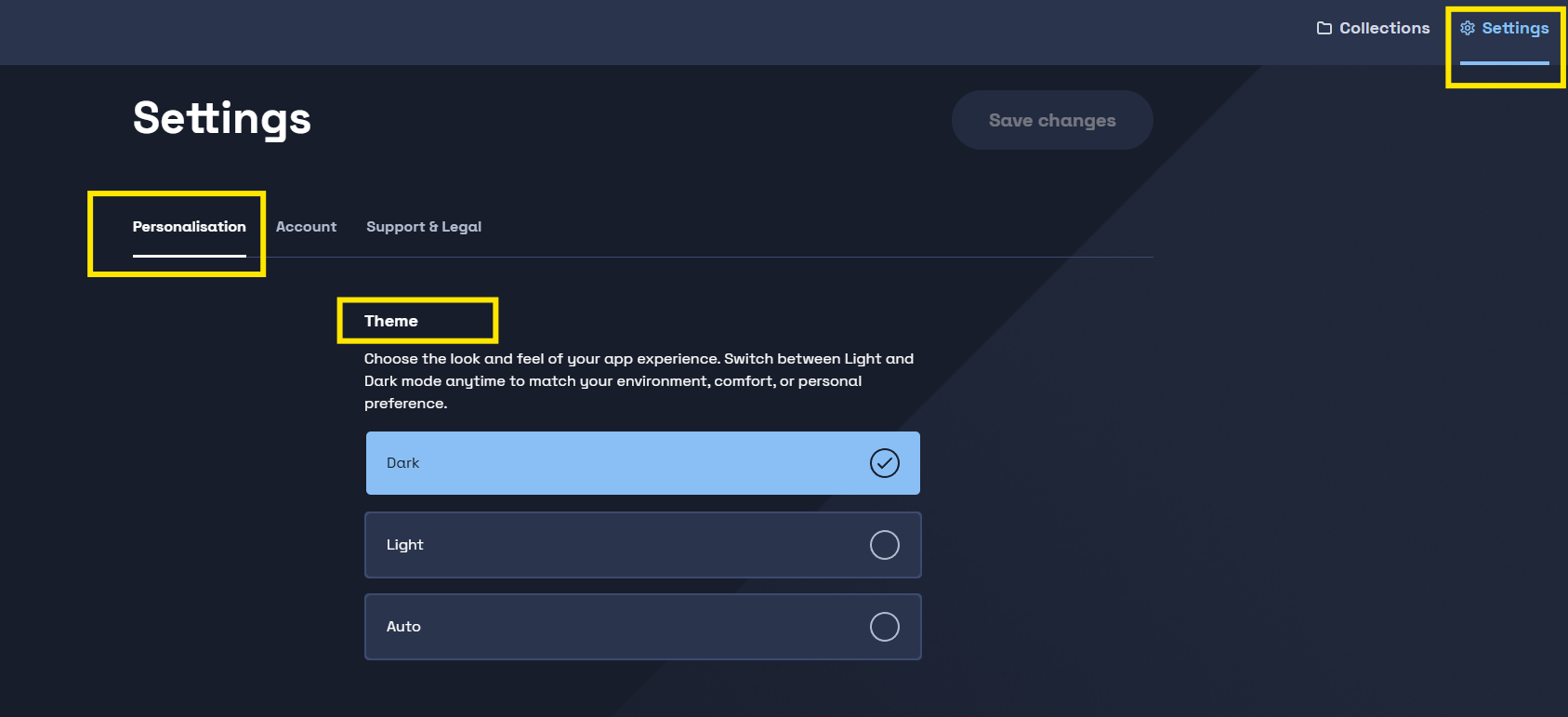
- Click Settings in the top right corner of Luna
- Select the Personalisation tab
- Under Theme, choose from:
- Dark — dark background, lighter text
- Light — light background, darker text
- Auto — matches your device's display settings automatically
-
Click Save changes
Your theme will update immediately across the app.